






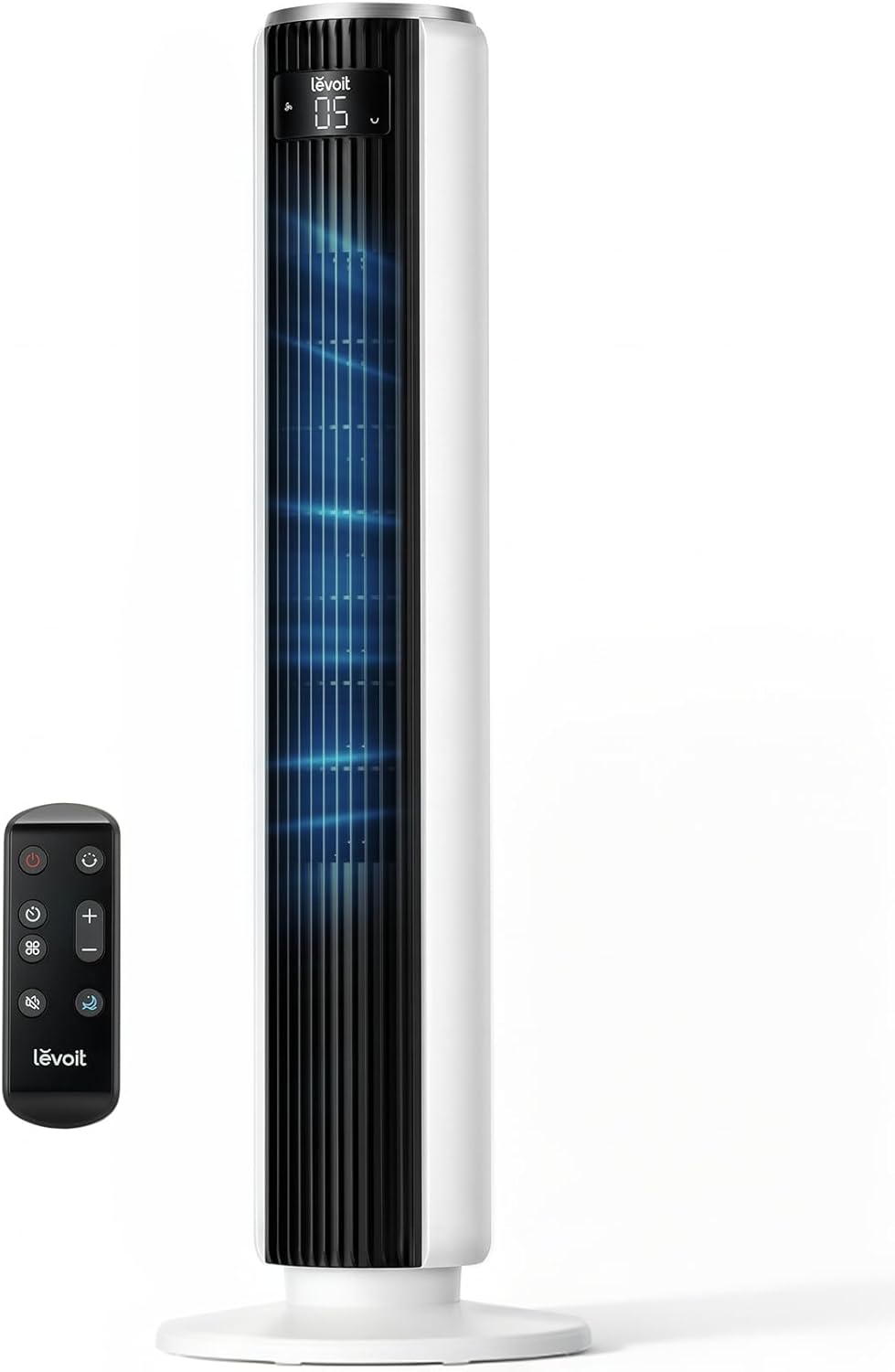

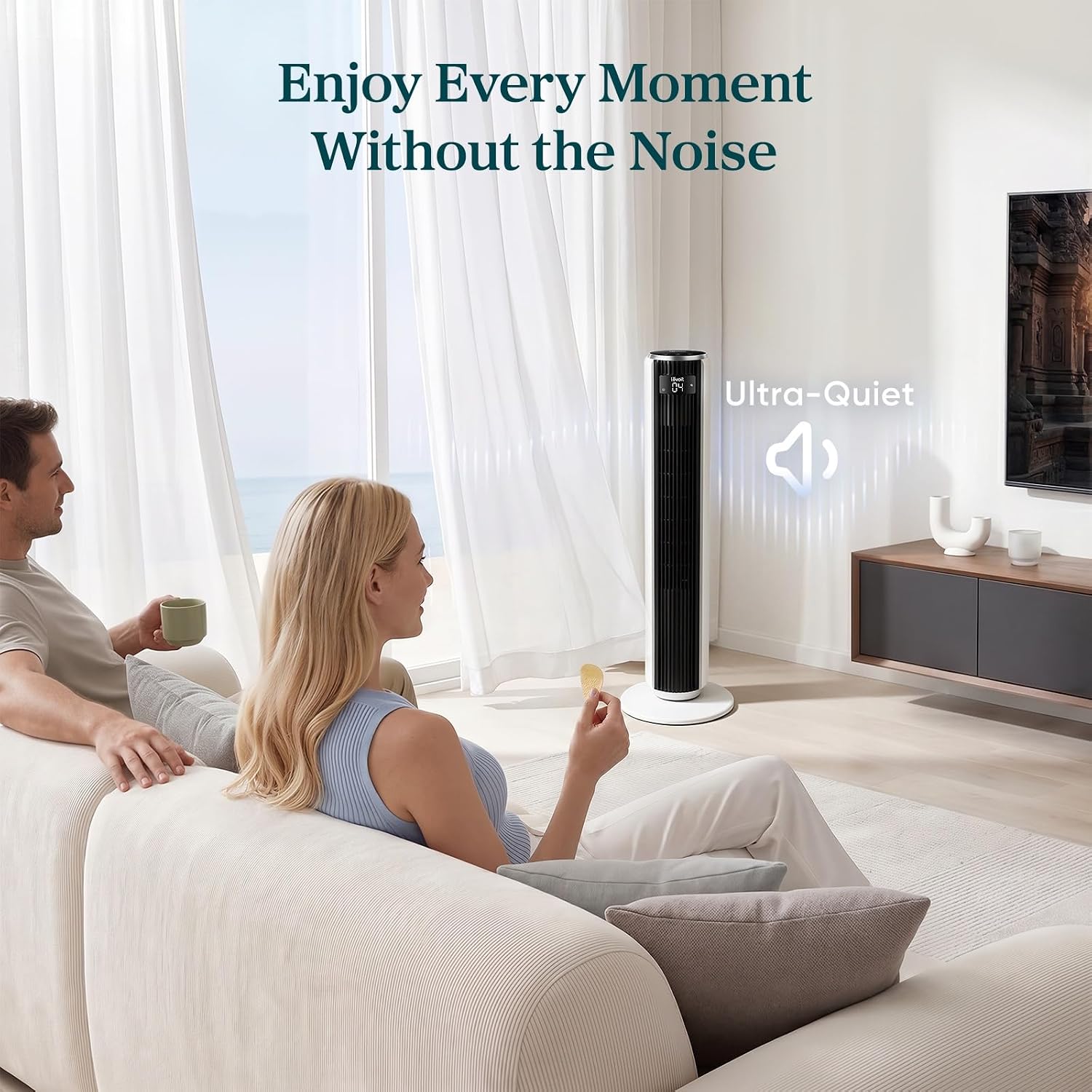


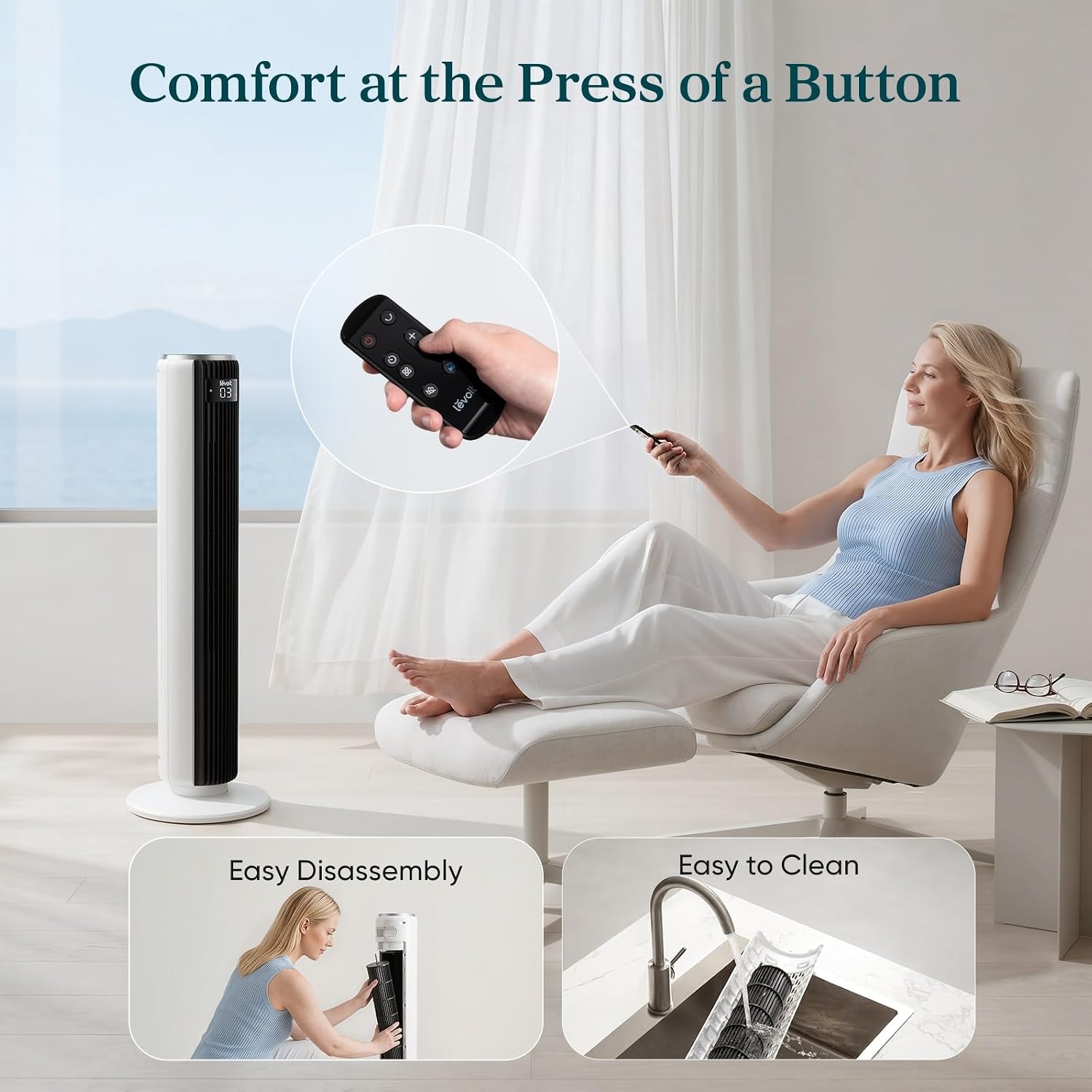
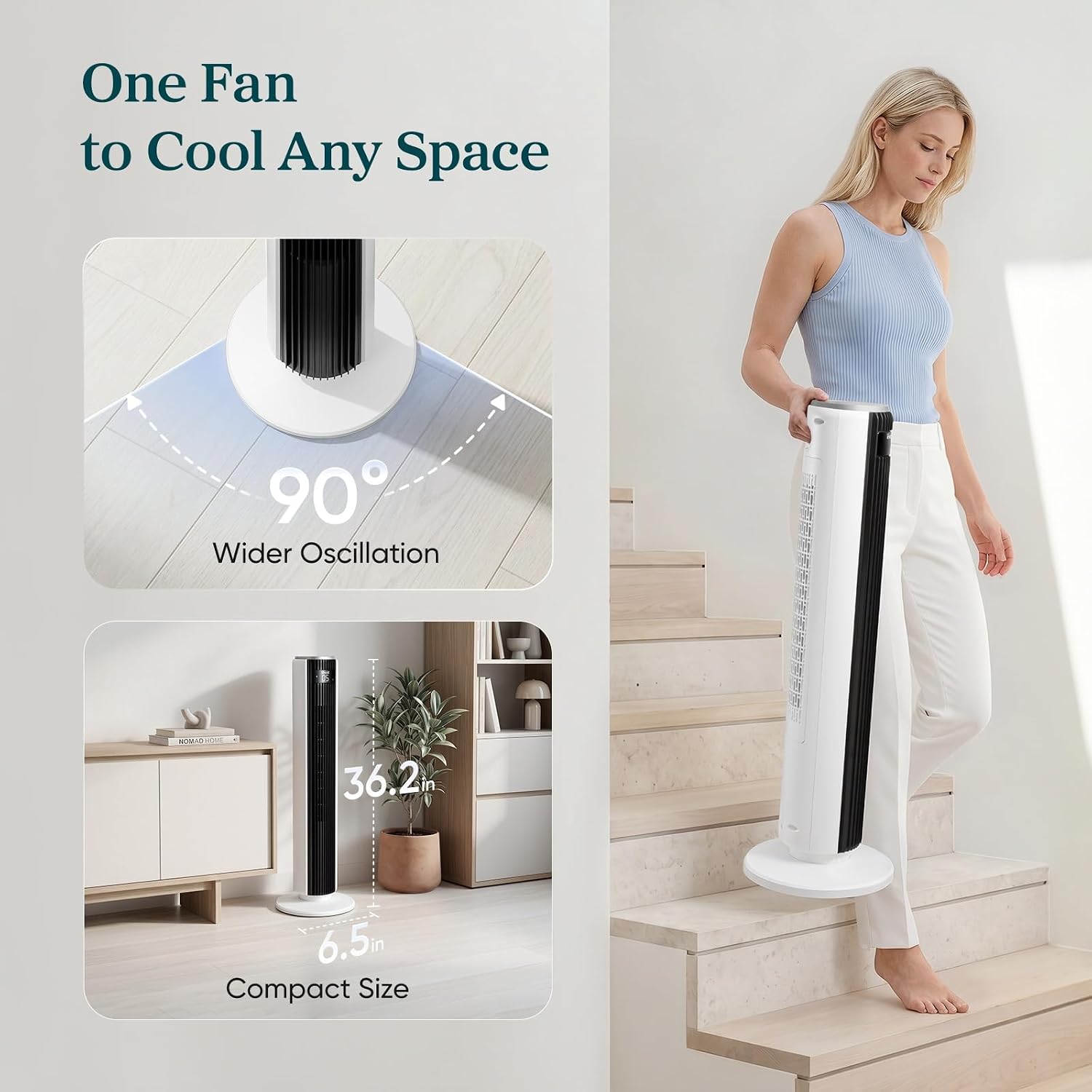
Levoit Tower Fan for Bedroom, 28ft/s Fans that Blow Cold Air, 28dB Quiet | Standing Floor Fan for Room, 90° Oscillating, 5 Speeds 4 Modes & Temp Sensor, Bladeless, 12H Timer, Remoter, 36 inch, White
(0
reviews)
Estimate Shipping Time:
1 Days
Sold by:
Inhouse product
Inhouse product

Price:
$62.07
/pc
Sold quantity:
0
Refund:

Share:
Top Selling Products






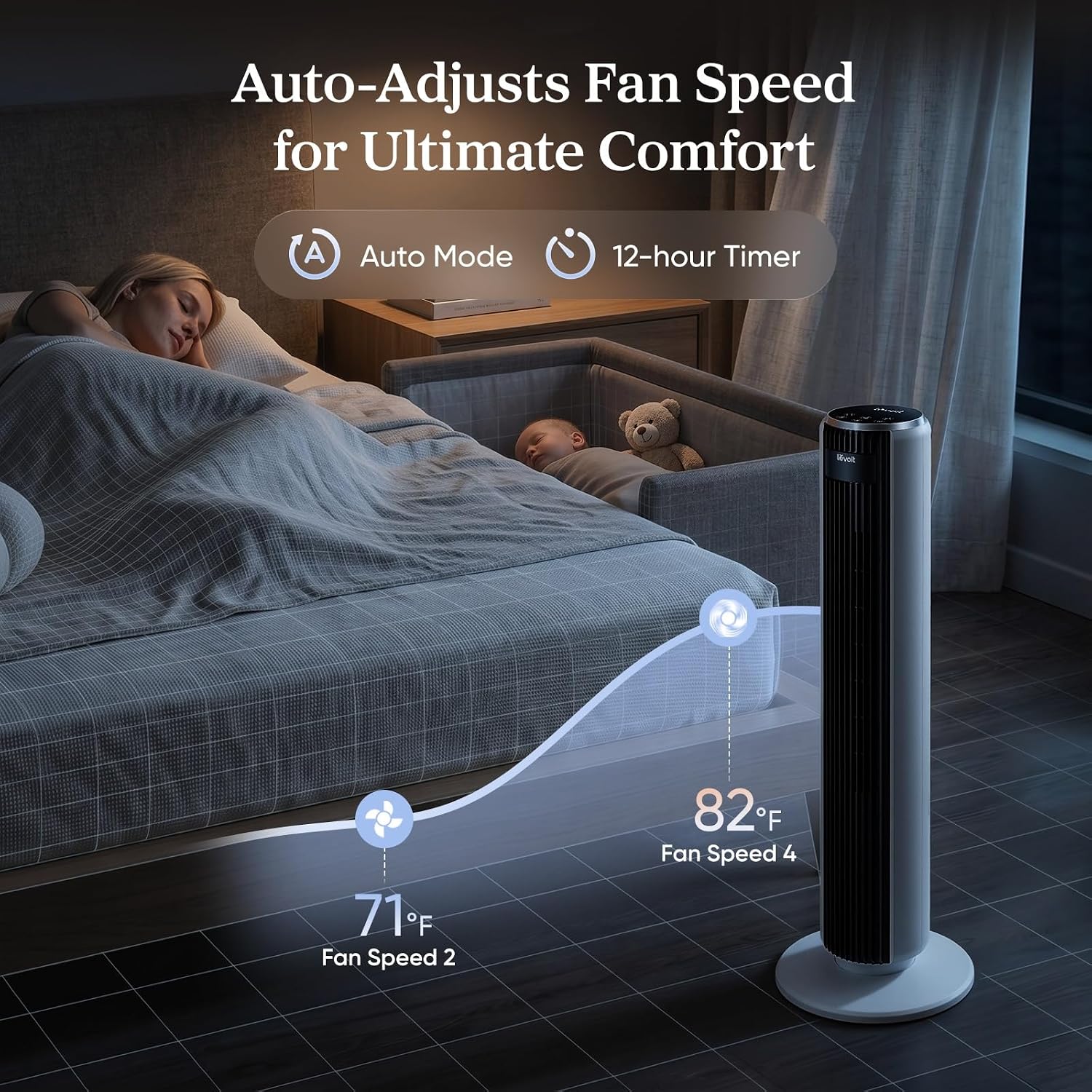
1. Illustration of Each ModeNormal Mode: This is the default mode. Use it to set the tower fan as you like.Auto Mode: With a built-in sensor, the fan speeds change by room temperature.Turbo Mode: Used for quick cooling and air circulation, it starts at the highest speed plus oscillating. When the room temperature decreases, the fan speed decreases accordingly. Then the fan speed changes by room temperature.Advanced Sleep Mode: The display and sound will automatically be off in 5 seconds.a) Within the first hour, the fan does not oscillate. The starting fan speed is determined by your current fan speed when you select this mode.b) After one hour, the fan oscillates and decreases speeds - to keep you from getting cold from the constant wind.c) Then the fan speeds will change by temperature, giving you a comfortable night experience.2. TroubleshootingIf the fan suddenly starts to oscillate,It is normal when the fan is in Advanced Sleep Mode. It will automatically start oscillating after one hour of operation, which is its default setting. If the air output has decreased after cleaning the wind wheel,Please make sure that the screws are aligned with the flat surface of the motor shaft during installation, not the arc surface, otherwise the air output will be reduced!If the fan suddenly stops,It could be a timer accidentally set before. Kindly Check it and try it for a second time.If the top control panel is not so responsive,Check whether your fan is in Advanced Sleep Mode or manually set screen off. When the fan is screen off, the operation panel will enter a semi-sleep state to prevent accidental touch. Thus, to adjust the setting, you need to press twice – the first time is to wake up the panel and the second time is to adjust the settings.
There have been no reviews for this product yet.